Billing Team
Members of the billing team will often have access to all clients in order to review any billing, or they may be provided access to specific clients. In addition some may have Admin access, which allows the management of other users and of the global and custom rulesets.
Reviewing Matters
In many cases you will be looking at the flags across a matter. The matters you have access to in Antidote are accessed by the Matters section of the left hand navigation. From here you can search for a matter by name or number/ID and filter by client.
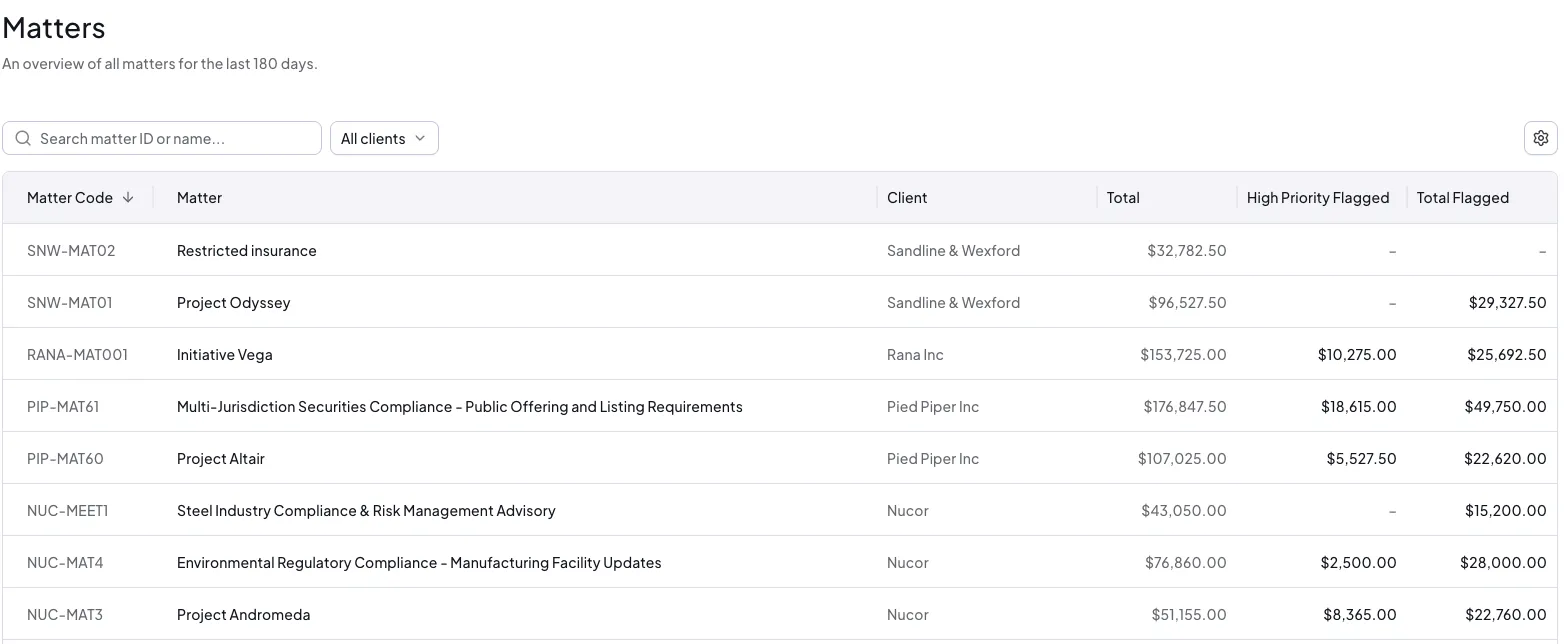
Click on a matter to review the time within it. On the overview tab you will find a summary of the entries in Antidote. To immediately get on with fixing flags, click the Fixes button. Or to review flags by timekeeper or flag type use the tabs.
If any rules require approval, for example travel that needs client consent, the matter will also have an Approvals tab, with entry- and timekeeper-level approvals to work through. Client-level approvals, such as exceeding a maximum daily hours threshold, appear on the client's own Approvals tab instead. See Approvals for more detail.
Reviewing Invoices
Depending on your law firm's preferences, draft bills (prebills or proforma) may either be editable or locked. If draft bills are editable this represents the chance to clean up a bill before it is submitted to the client.
New draft invoices are listed in the dashboard or use the Invoices menu entry to find draft invoices on the first tab.
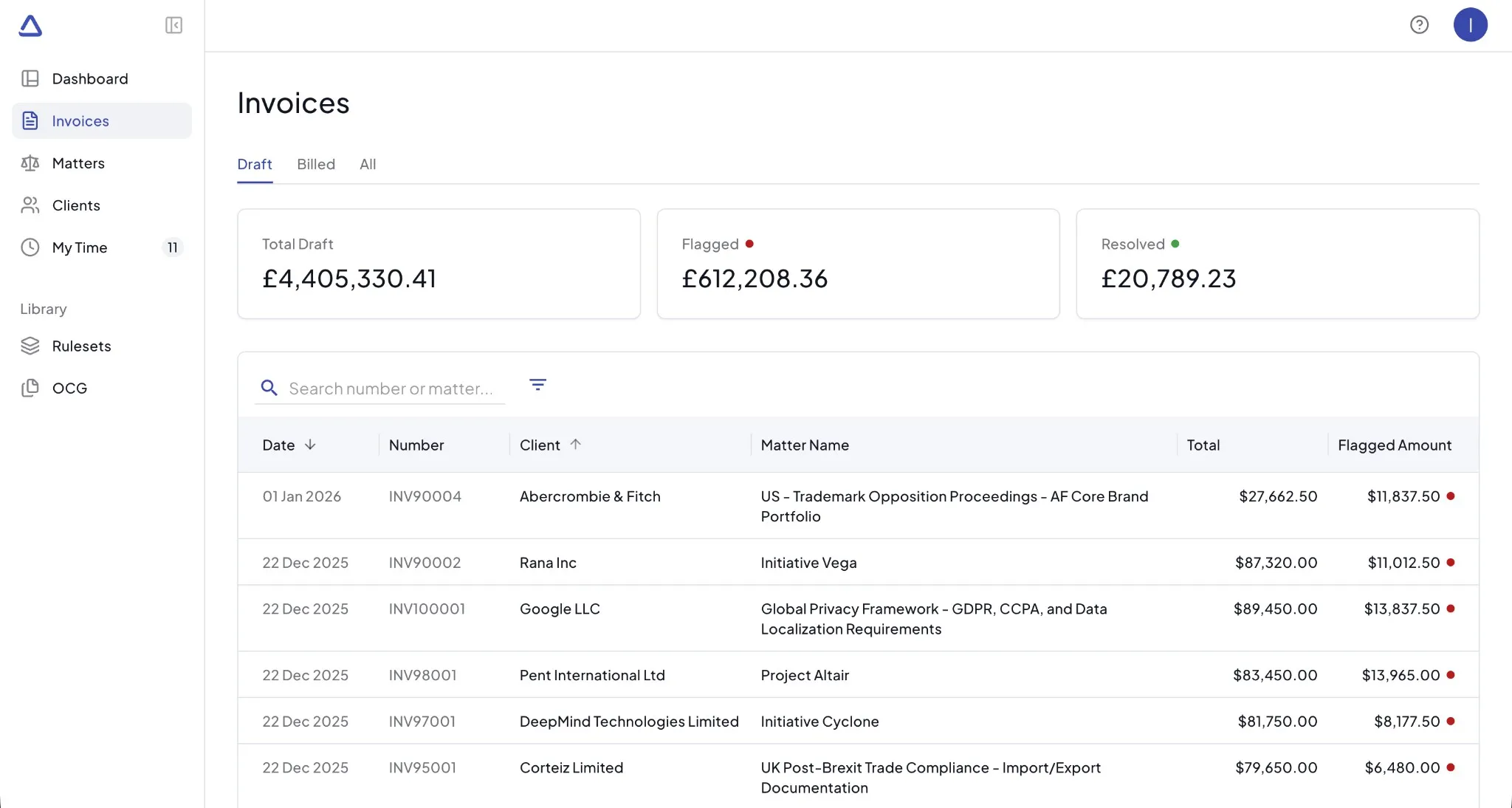
You can also use the billed invoices to review the flags created and resolved on the invoice in comparison to any rejections from the client after the invoice is billed. Billed invoices cannot be edited.
Managing Groups
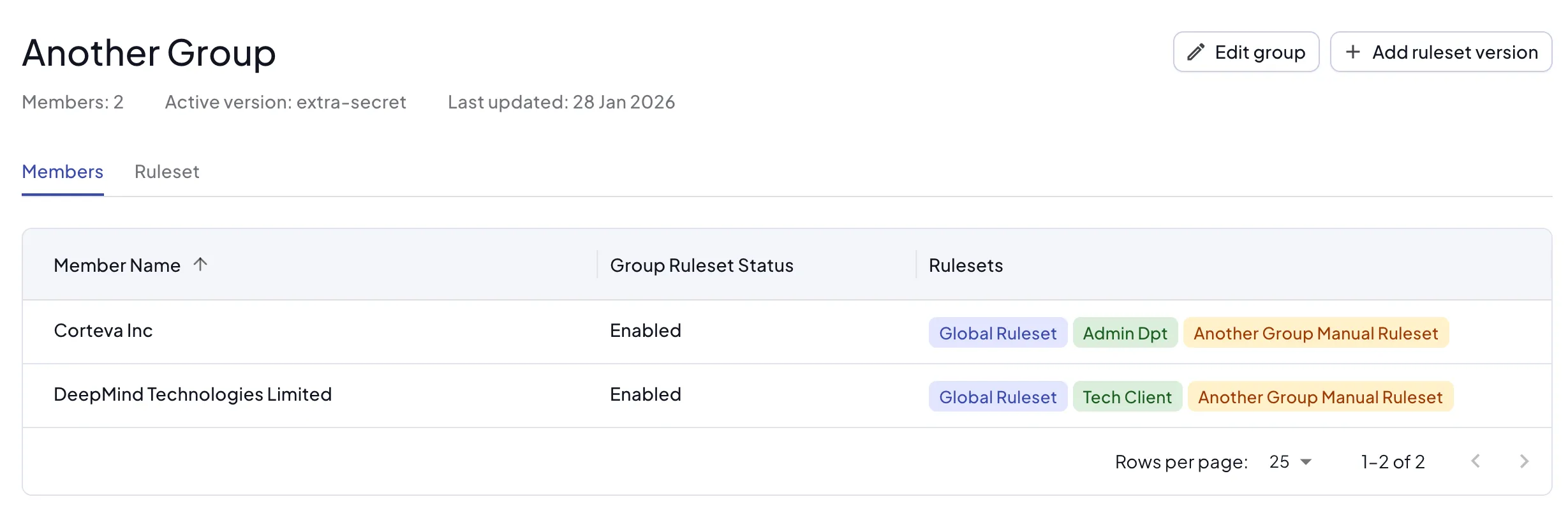
Often there are multiple client or payor records that are associated with a parent or larger entity. These are managed by client and payor groups.
Within Clients in the menu you can access the Client Groups and Payor Groups tabs. If your rulesets span multiple client or payor records, group them together and associate the ruleset, either manual or from an OCG, with the group.
Adding Outside Counsel Guidelines
There are multiple routes for creating rulesets from outside counsel guidelines (OCGs). In the Library section you can see a list of OCGs that are linked to the clients and payors you have access to.
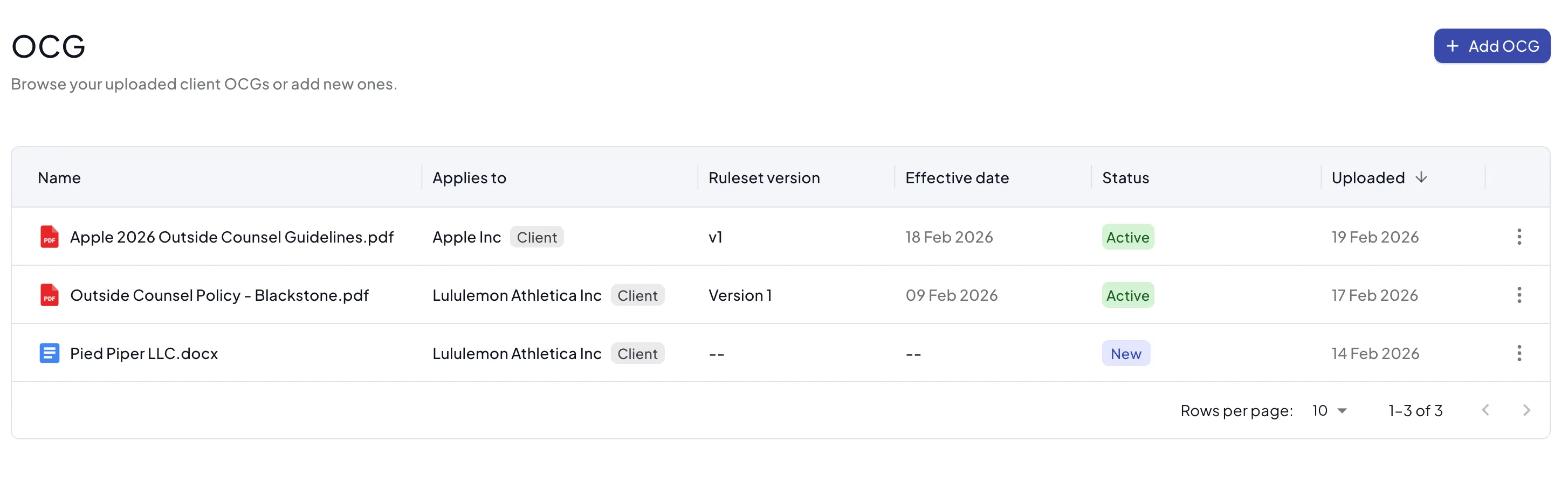
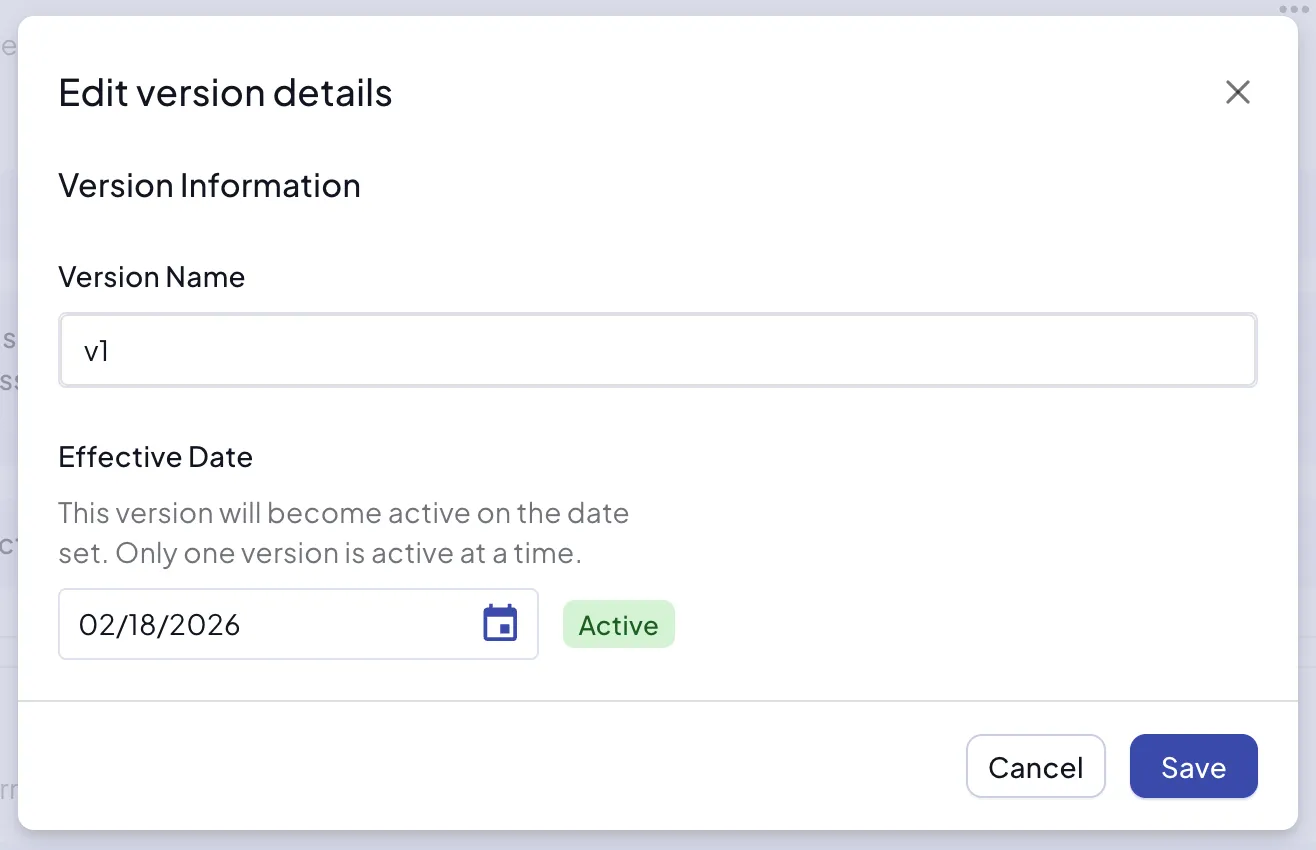
From the OCG list you can upload a new OCG document and associate it with a client, payor, or group. If that entity already has an associated ruleset, you can create a new version either for immediate application or with an effective date in the future.
You can also start from the client, payor or group ruleset pages and create a new ruleset by uploading an OCG document. For more information see Rulesets.
Editing Rulesets
Rulesets can be edited from multiple places. Perhaps the best way to determine what ruleset to edit would be to find the client, payor or group you are interested in and see how the rulesets are derived. You can then Manage the ruleset you want to update.
Be aware that group, custom and global rulesets will affect multiple clients and payors. Only Admin users can update global and custom rulesets but the application of those to the client, payor or group is available to anyone with client access.