Client and Payor Groups
Client groups
Client groups are used to create a ruleset that applies to multiple clients that are related to each other. For example, they are all subsidiaries or locations of a parent company that provides a single outside counsel guideline document for the group.
Creating a client group
In some cases client groups may be sourced from your finance system.
Otherwise you can create your own client groups by using Add Client Group in the top right of the client group list.
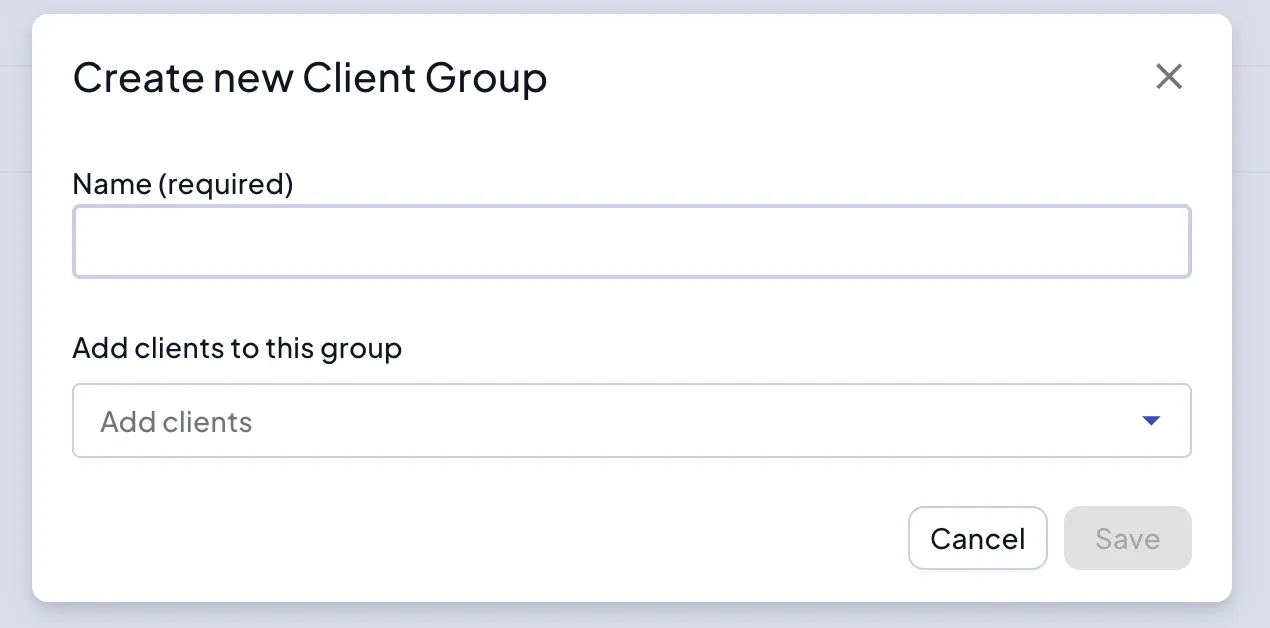
Name the group and select the clients for the client group. Clients can only belong to a single client group. When the group is created you can view the members of the group.
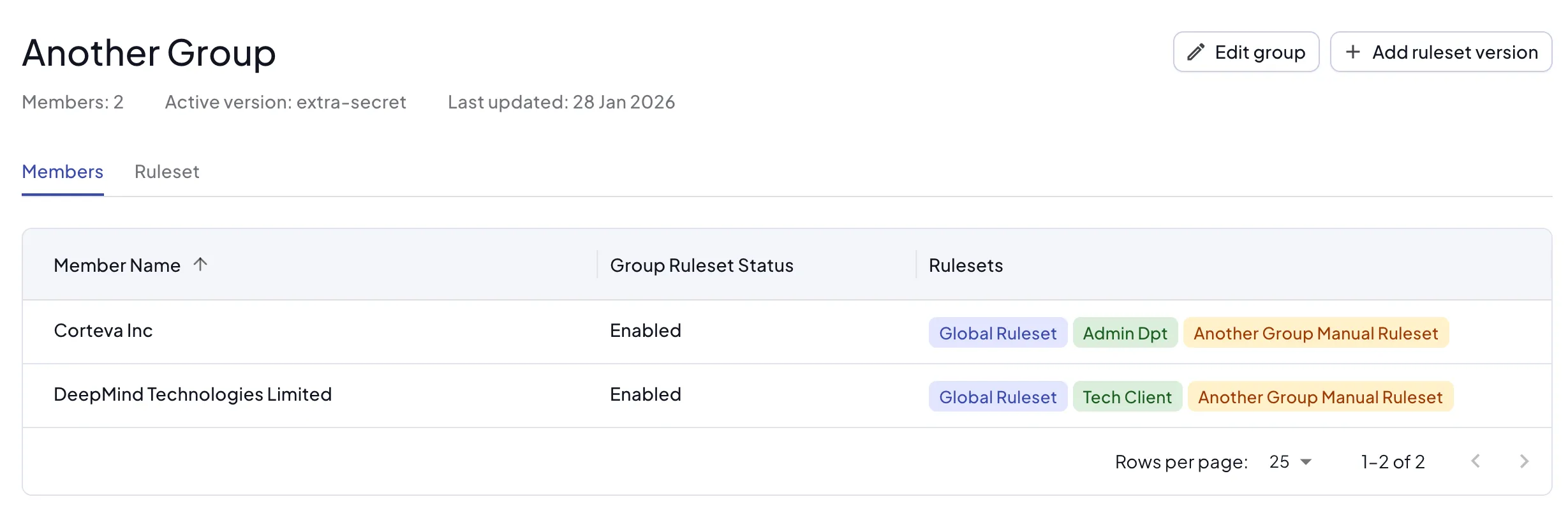
Managing group rulesets
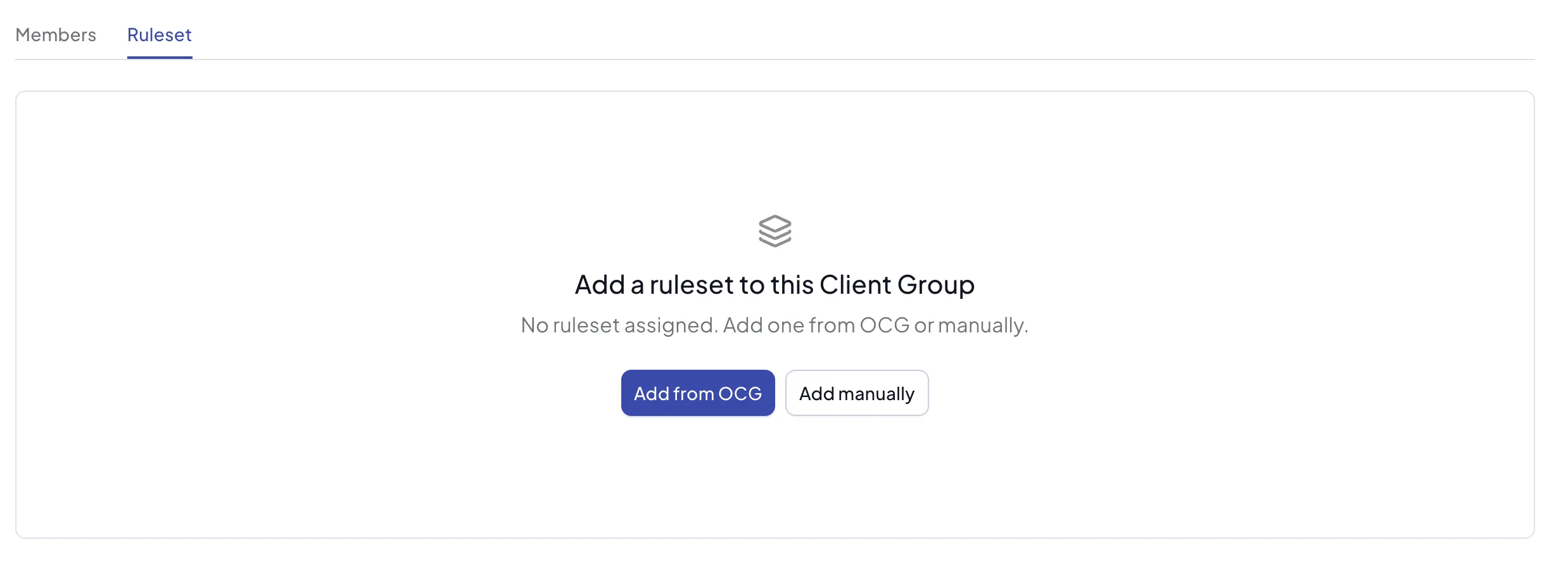
You can add a ruleset for the client group from the ruleset tab or using the Add Ruleset button:
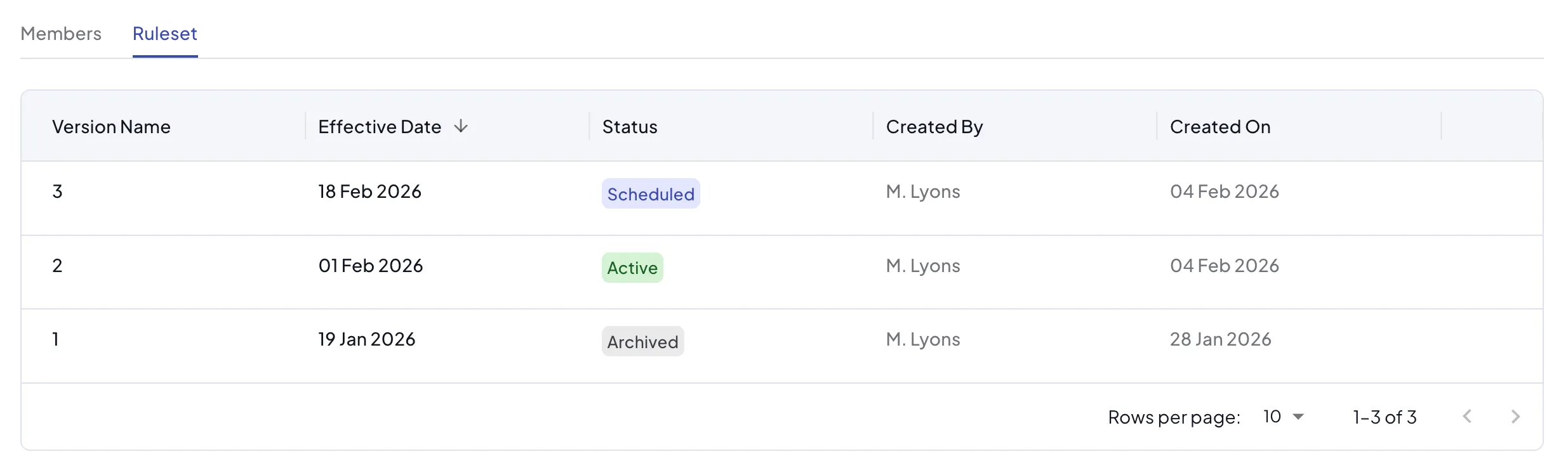
If the group already has at least one ruleset version, the ruleset tab will list the versions. One will be Active and there may be older Archived and newer Scheduled versions.
Payor groups
Similarly to client groups, if you work with multiple payors that are part of the same organization and use the same outside counsel guideline rules, you can organize them into a group.
Subject to the differences between payors and clients described in Payors, groups work the same way for both.