Login
Antidote uses Single Sign-On (SSO), so you log in using your existing company credentials.
First-Time Login
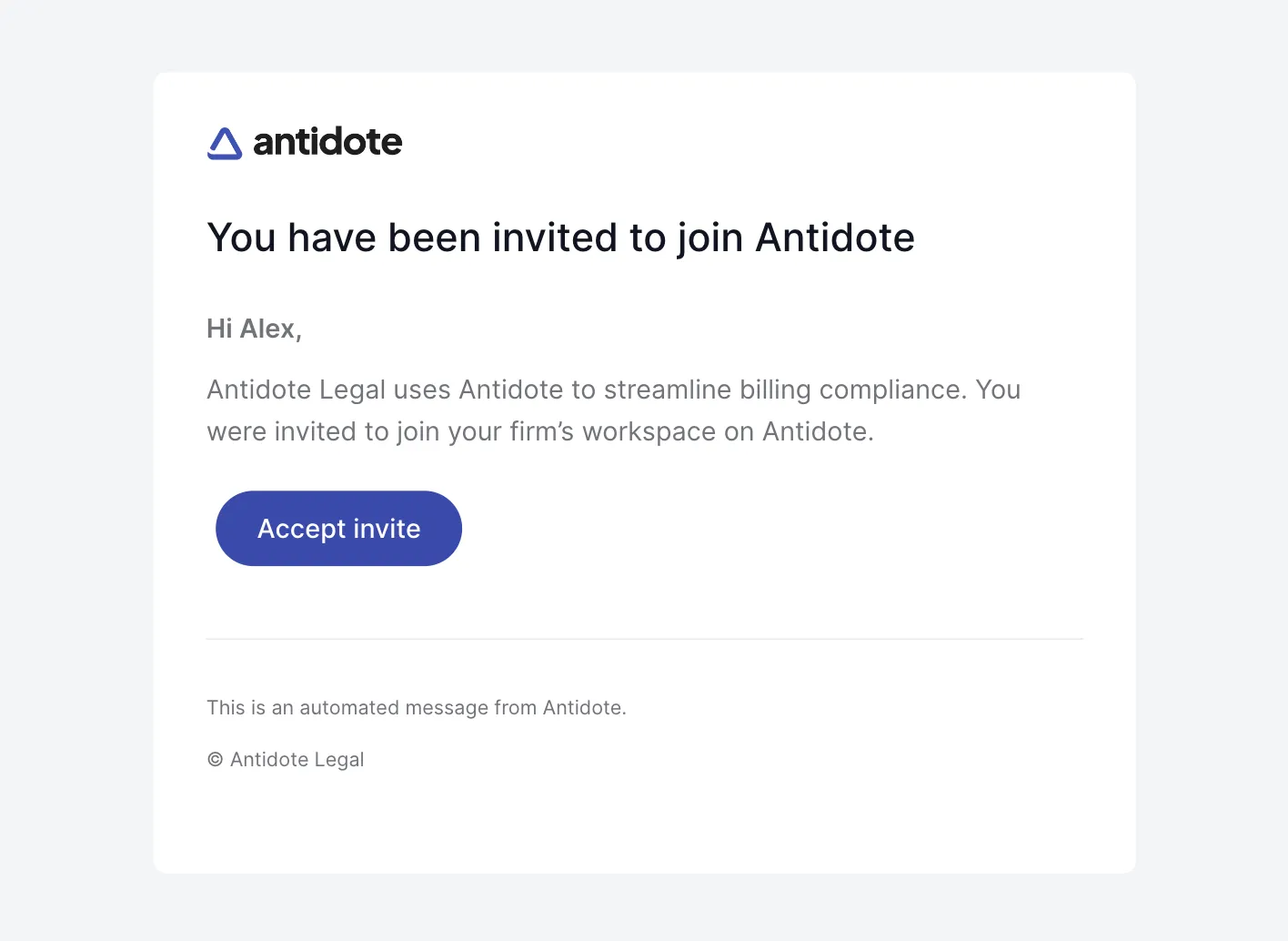
You will receive an invite email from Antidote after your administrator adds you as a user. Accept the invite and you will be redirected to the login screen. Follow the steps below to log in.
How to Log In
- Navigate to the Antidote URL provided by your law firm. E.g.:
https://your-law-firm.antidotelegal.com
- Enter your work email address.
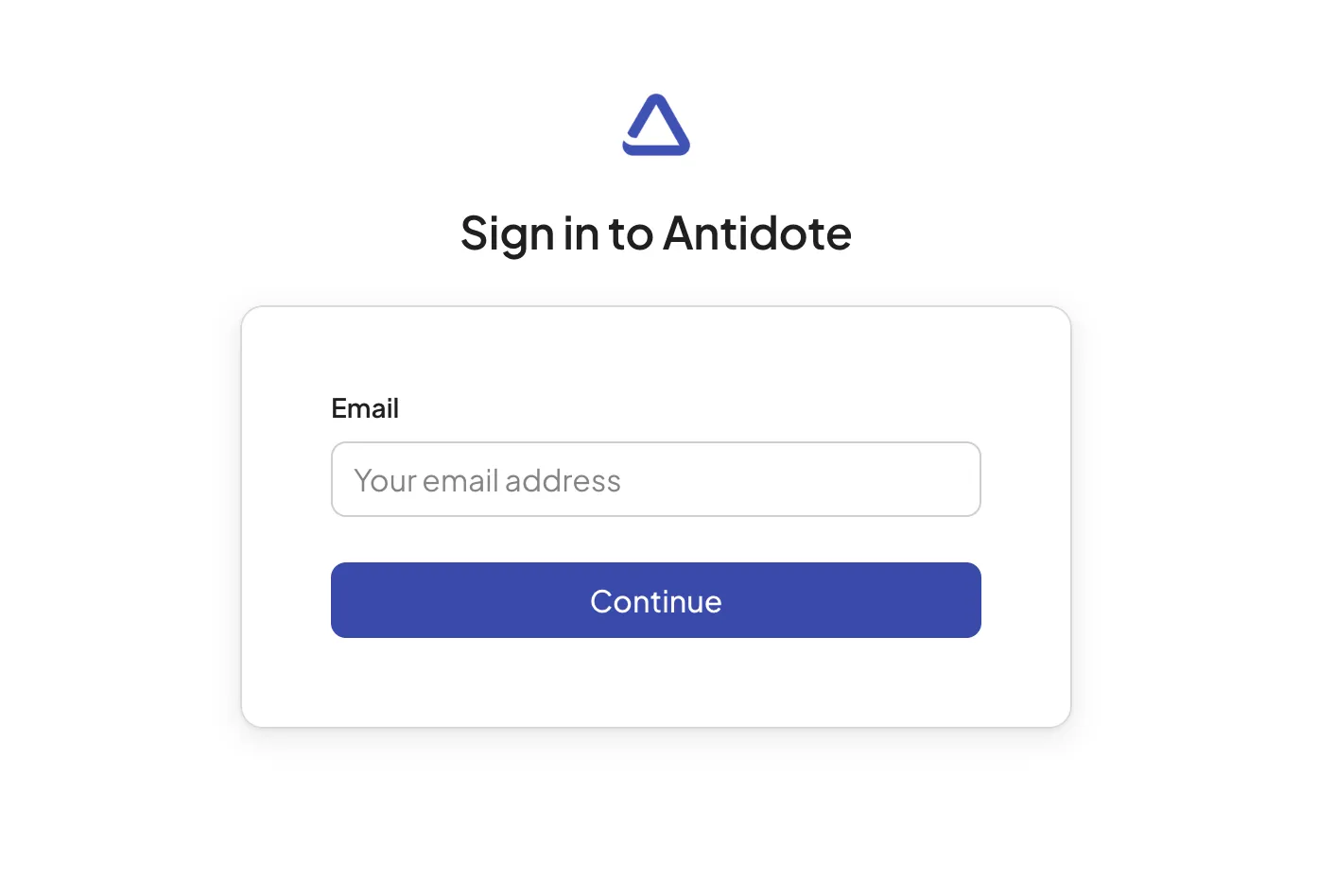
- Click Continue.
- You will be redirected to your organization's identity provider (e.g., Microsoft Entra ID, Okta, Google Workspace).
- Sign in with your company credentials.
- Once authenticated, you will be automatically redirected to Antidote.
Logging Out
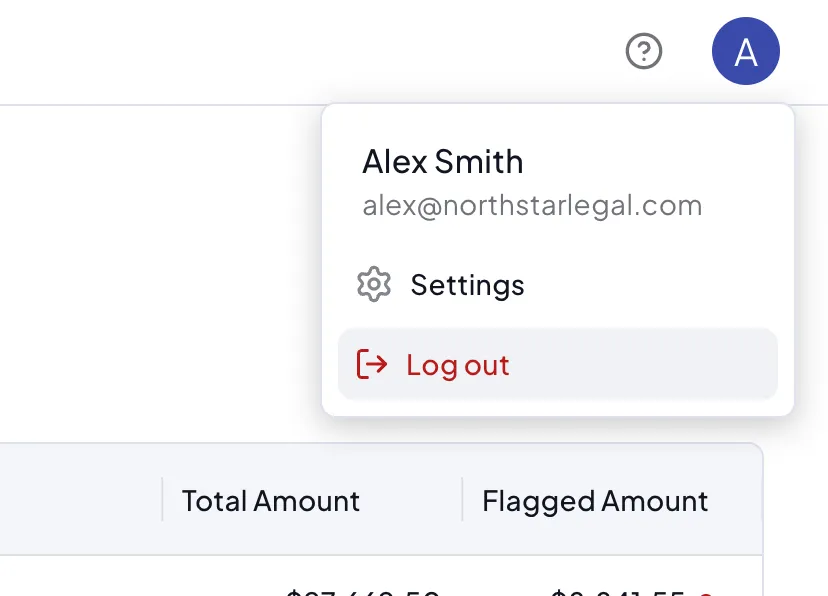
To log out, navigate to the top right and under your profile settings, click Log out.
Troubleshooting
Redirect issues
If you're not being redirected to your identity provider:
- Verify you're using your work email address (not a personal email).
- Clear your browser cache and try again.
If you have trouble logging in, contact your administrator or email us at [email protected].