SSO Setup
Antidote uses WorkOS to provide authentication so that we can provide easy single sign-on setup for a wide range of identity providers.
Admin user
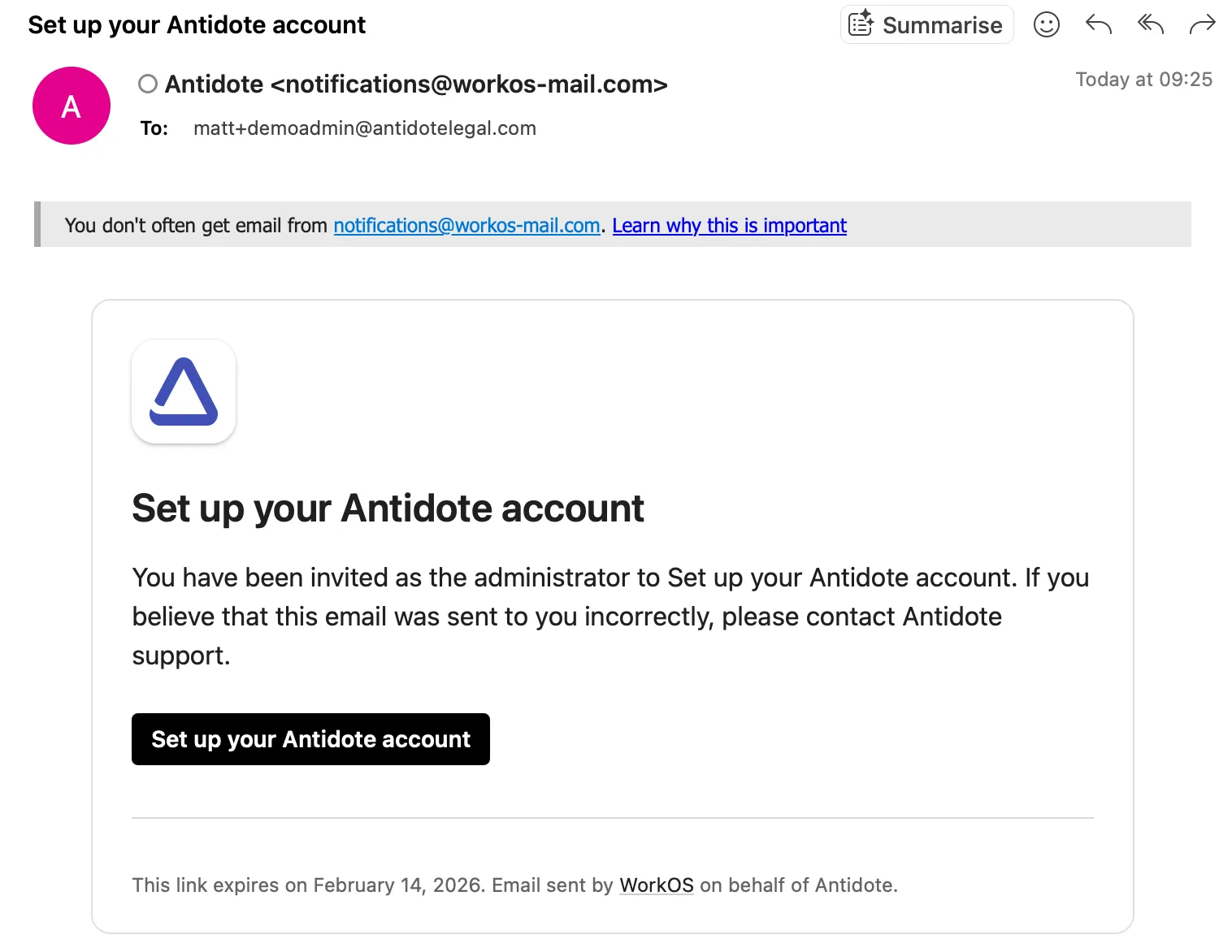
Provide us with the email address of an administrator who has access to configure a new application in your SAML provider and has an email address within the domain being added. They will receive an email from Antidote's WorkOS account.
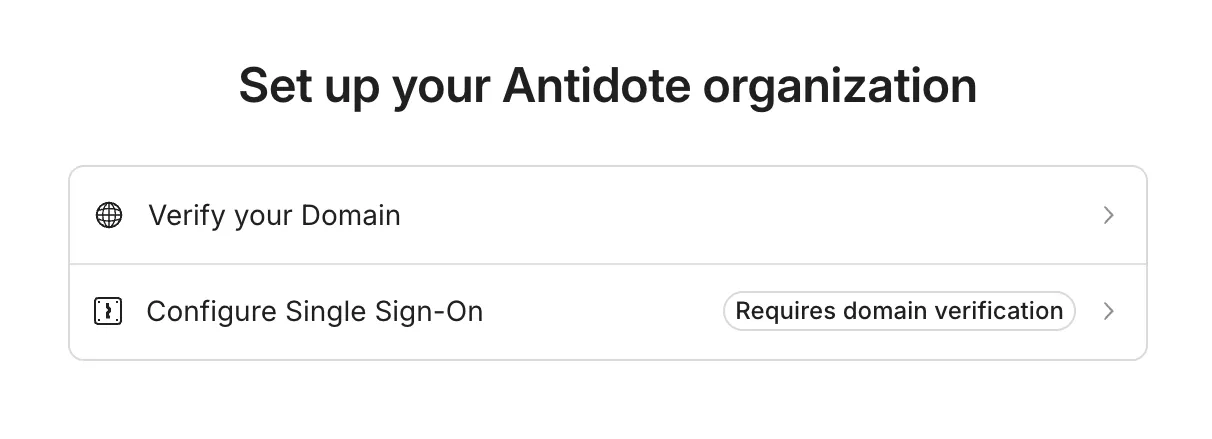
Following the link will provide either two options, if your domain needs verification, or one option to configure SSO if the domain has already been verified separately.
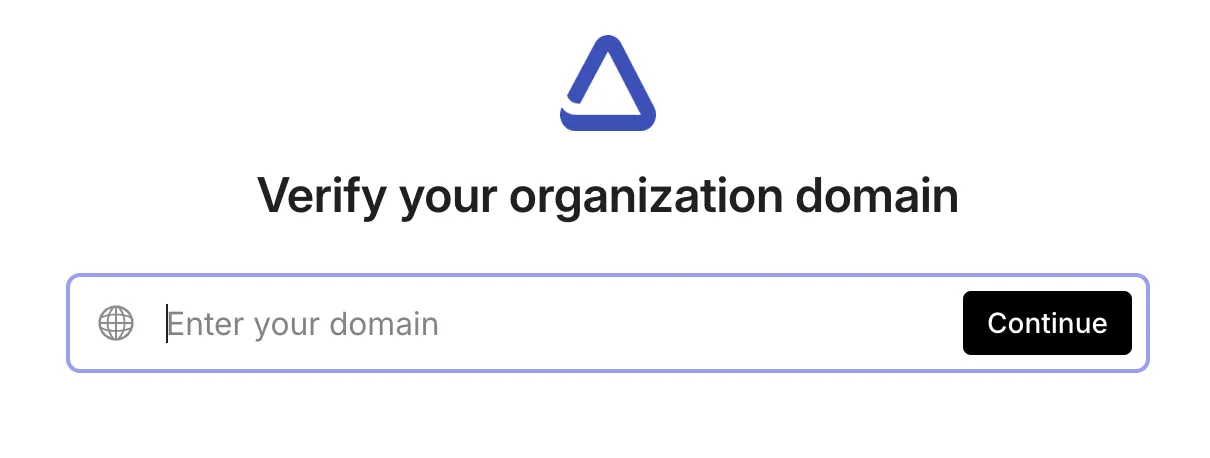
DNS Domain Verification
If you need to verify your domain using DNS this requires setting up a TXT record. Follow the instructions provided. If your DNS is linked to a common provider (e.g. Cloudflare) you will get provider specific instructions.
Once the process is complete you will see this confirmation.
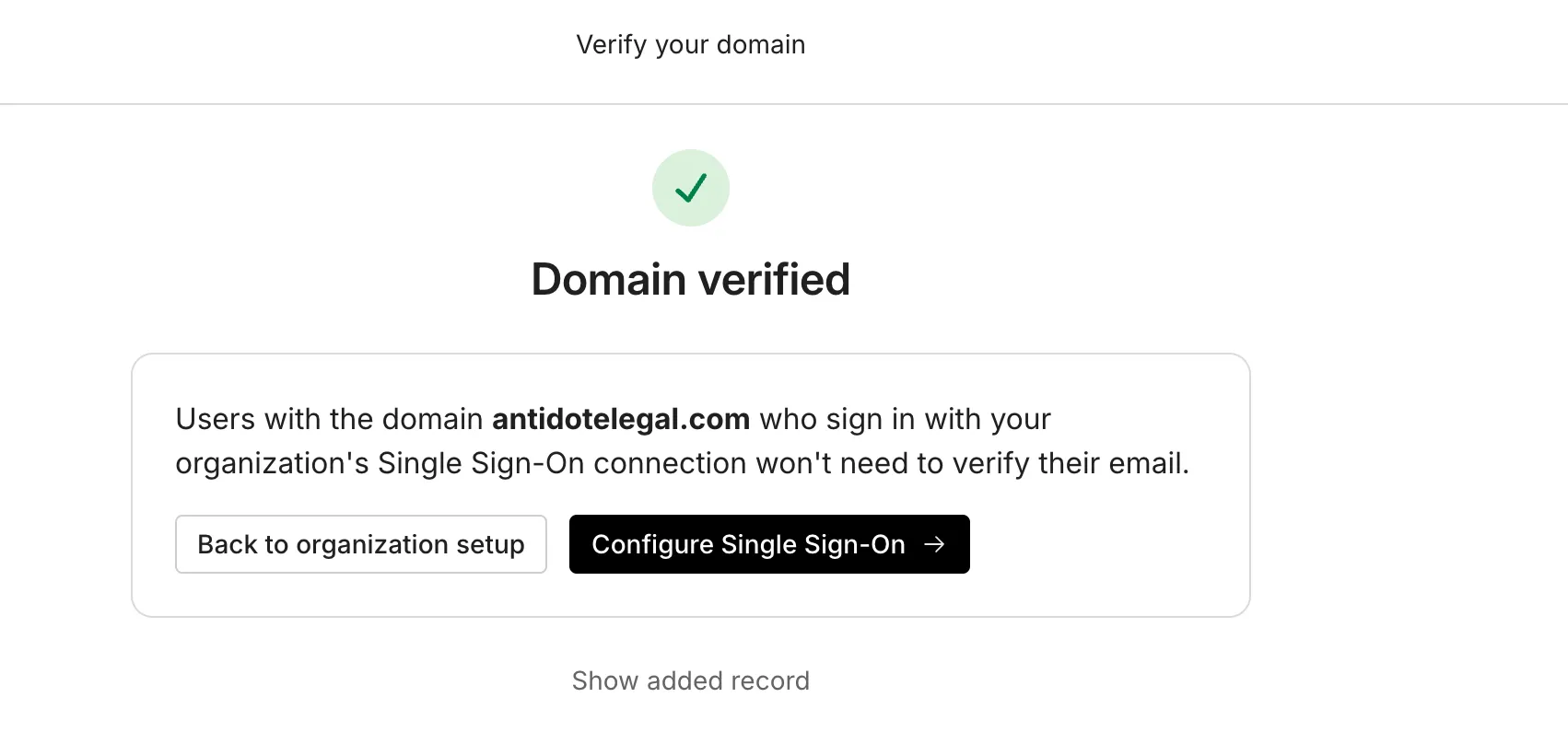
SSO Setup
To set up SSO select or search your identity provider from the list. A list of all providers and setup instructions is also available in the WorkOS integration guides here.
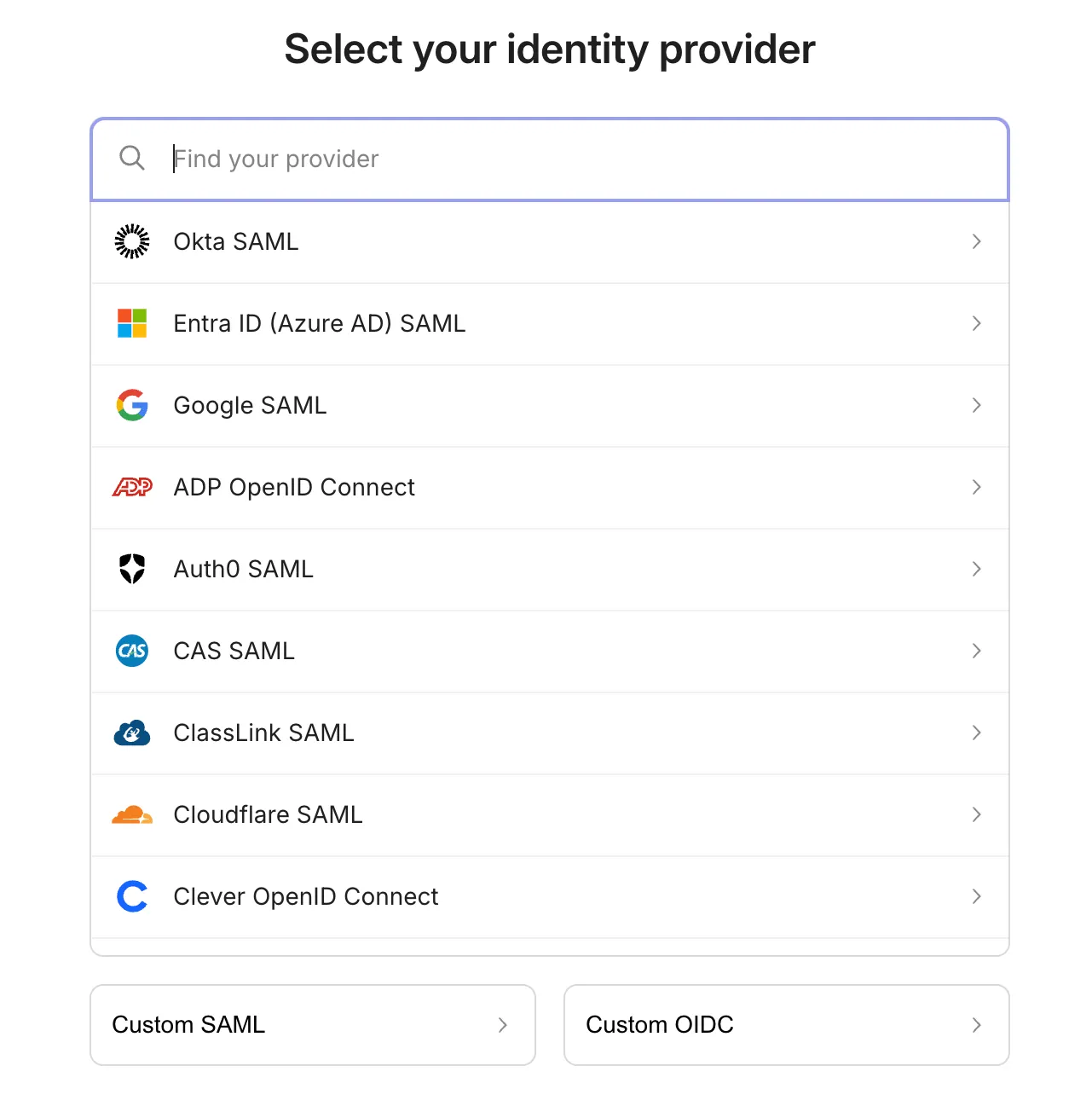
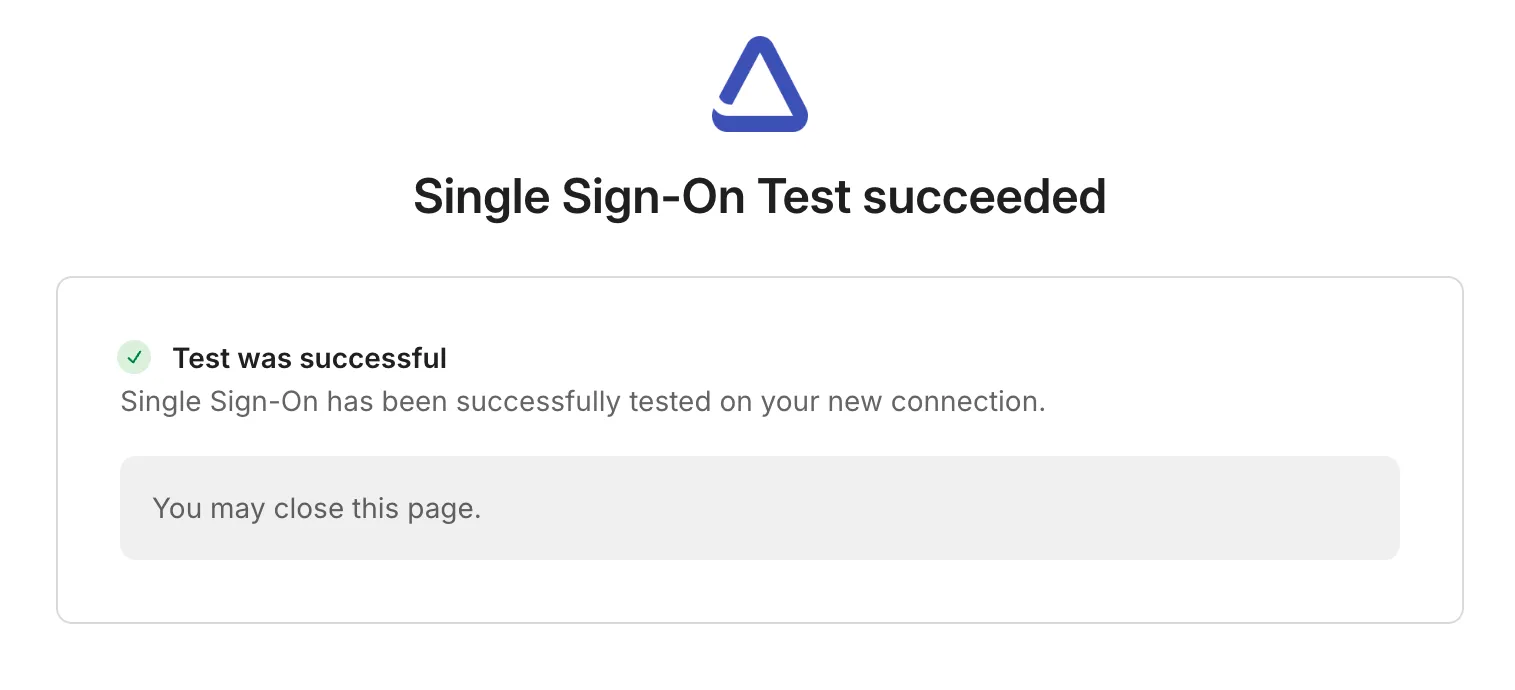
Follow the instructions for your provider. When complete you will be asked to complete a test sign on.