Flags
How flags are created
When a new time entry is read in Antidote from a matter, the ruleset associated with the payor or client for that matter is looked up and the rules are applied to the time entry.
If Antidote thinks the time entry is at risk of breaching the rule it will create a flag on the time entry. If more than one rule applies the highest priority or the most applicable rule will be used as the name for the flag.
Viewing flags
The time entry will have a status of flagged, which can be viewed under the matter or within any draft bill for the time entry.

Depending on your law firm's procedure and configuration you will be able to review the flag in the matter, the draft bill and in the My Time view if you recorded the time entry.
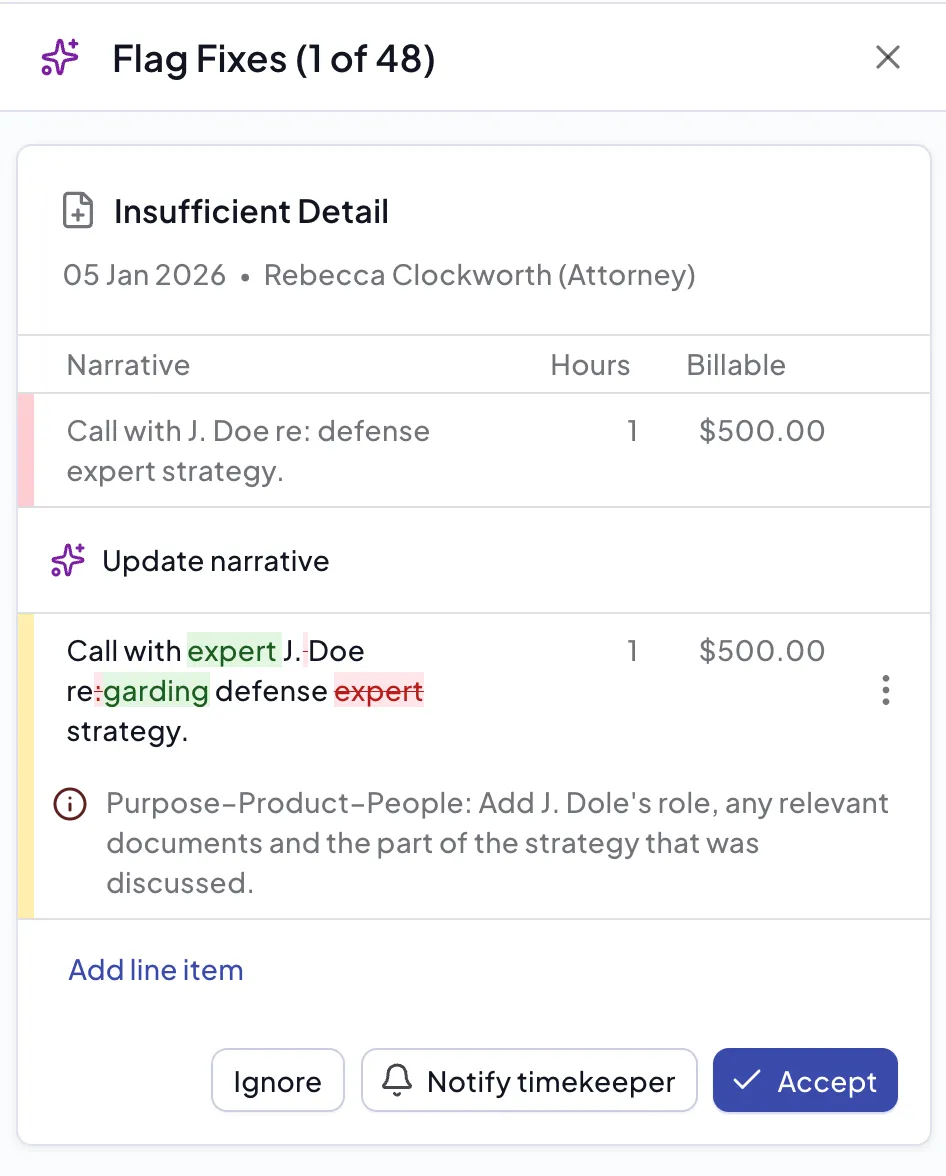
Within the draft bill and matter view you will see flagged and resolved totals. Click on Fixes to open the side bar with each of the flags.

Resolving flags
A flag can be resolved by either ignoring the flag or correcting it. If you think that the flagged entry is not a problem, you can click Ignore to ignore the flag.
To correct a flag or tell a timekeeper about it, see Suggestions.