Profile and Notifications
Manage your personal details and email notification preferences in Antidote.
To access settings, click your profile icon in the top-right corner in Antidote, then select Settings.

Personal Details
View your account information under Settings > Personal Details.
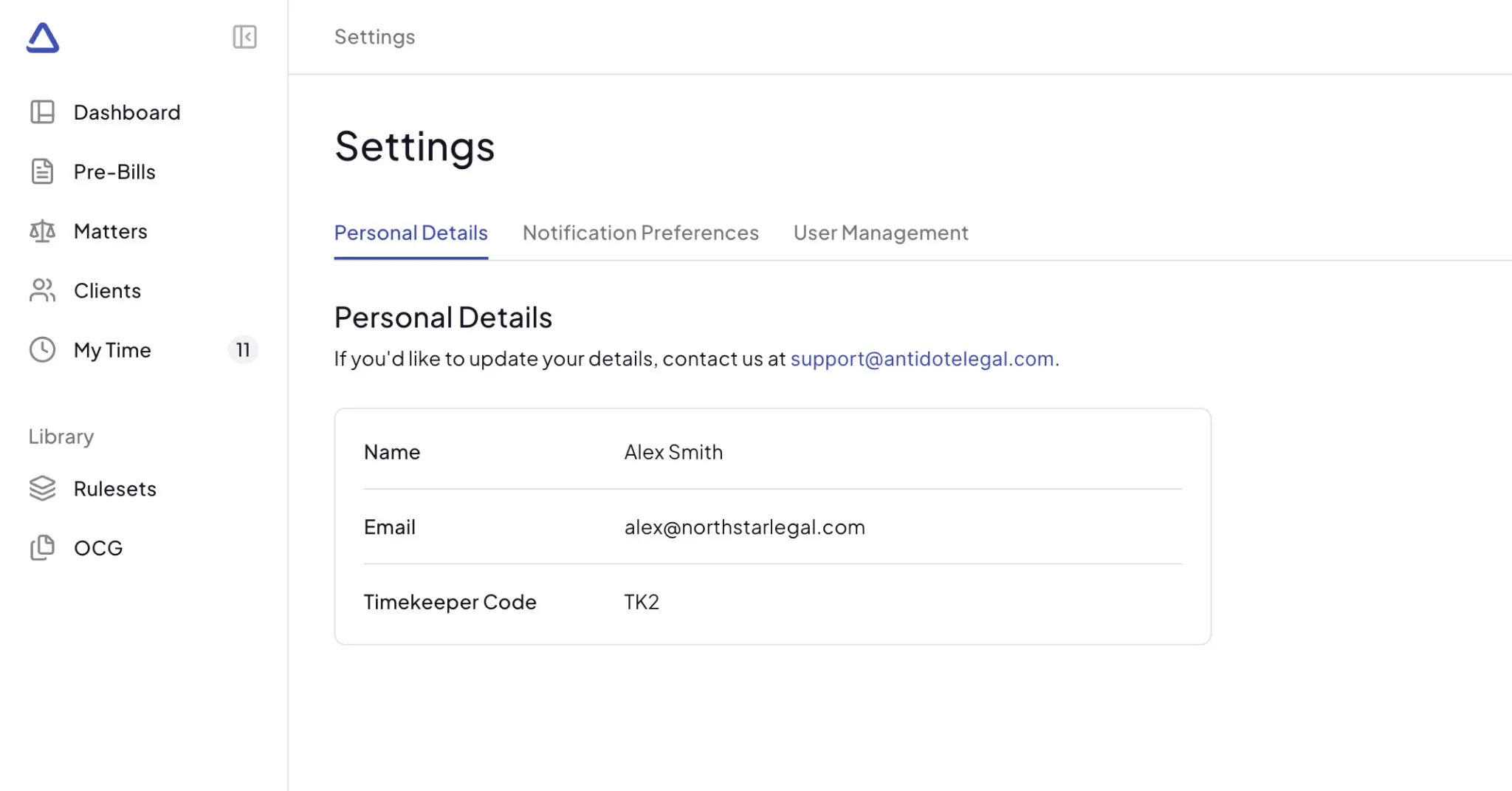
This tab displays your:
- Name - Your full name as registered in Antidote
- Email - Your login email address
- Timekeeper Code - Your unique timekeeper identifier (if applicable)
note
If you would like to update your details in Antidote, contact us at [email protected].
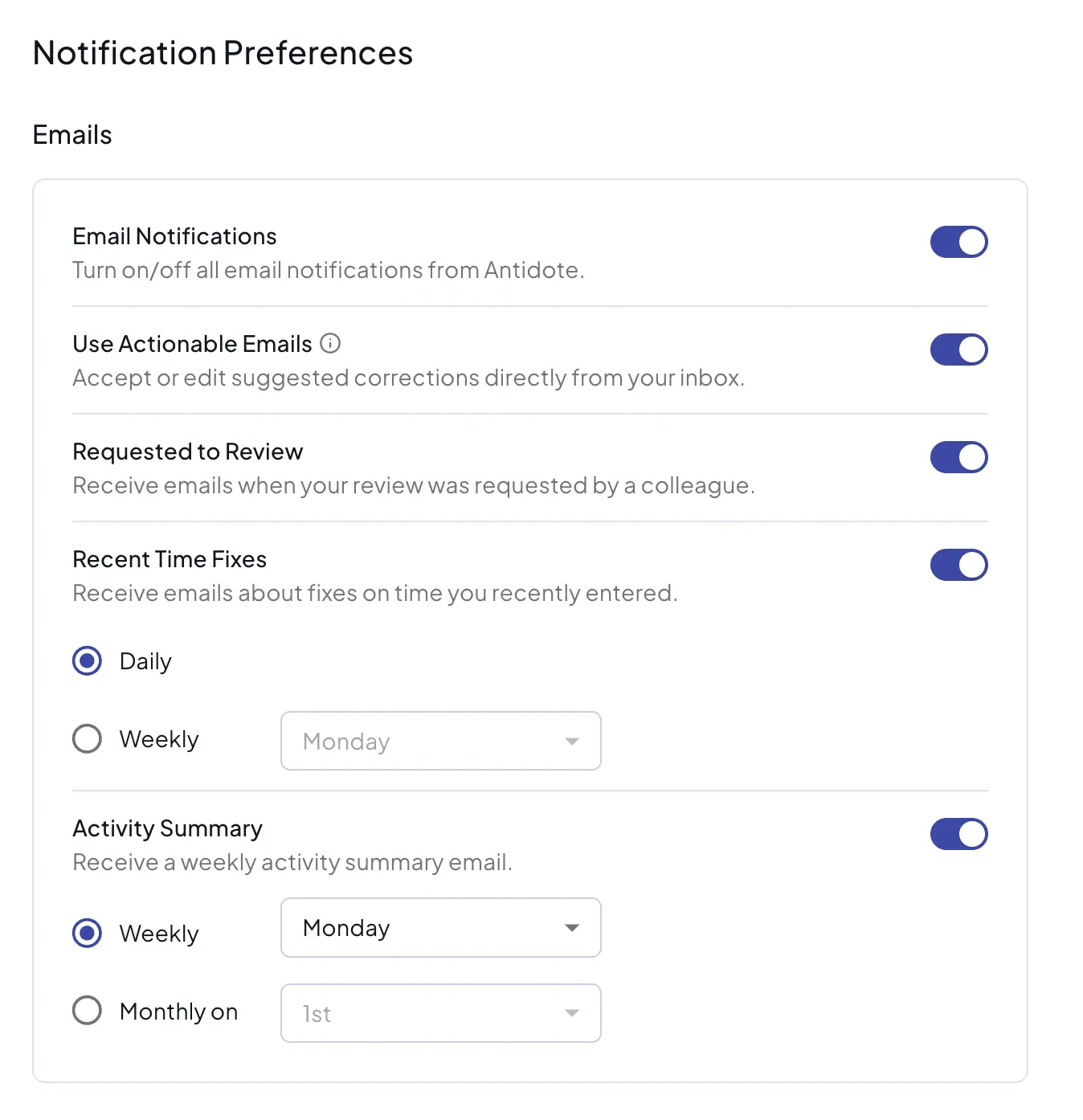
Notification Preferences
Email notifications
Manage your email notification settings under Settings > Notification Preferences.
By default, all email notifications are off.
Use the main Email Notifications toggle to turn on/off all email notifications from Antidote. When disabled, all other notification options are also disabled.
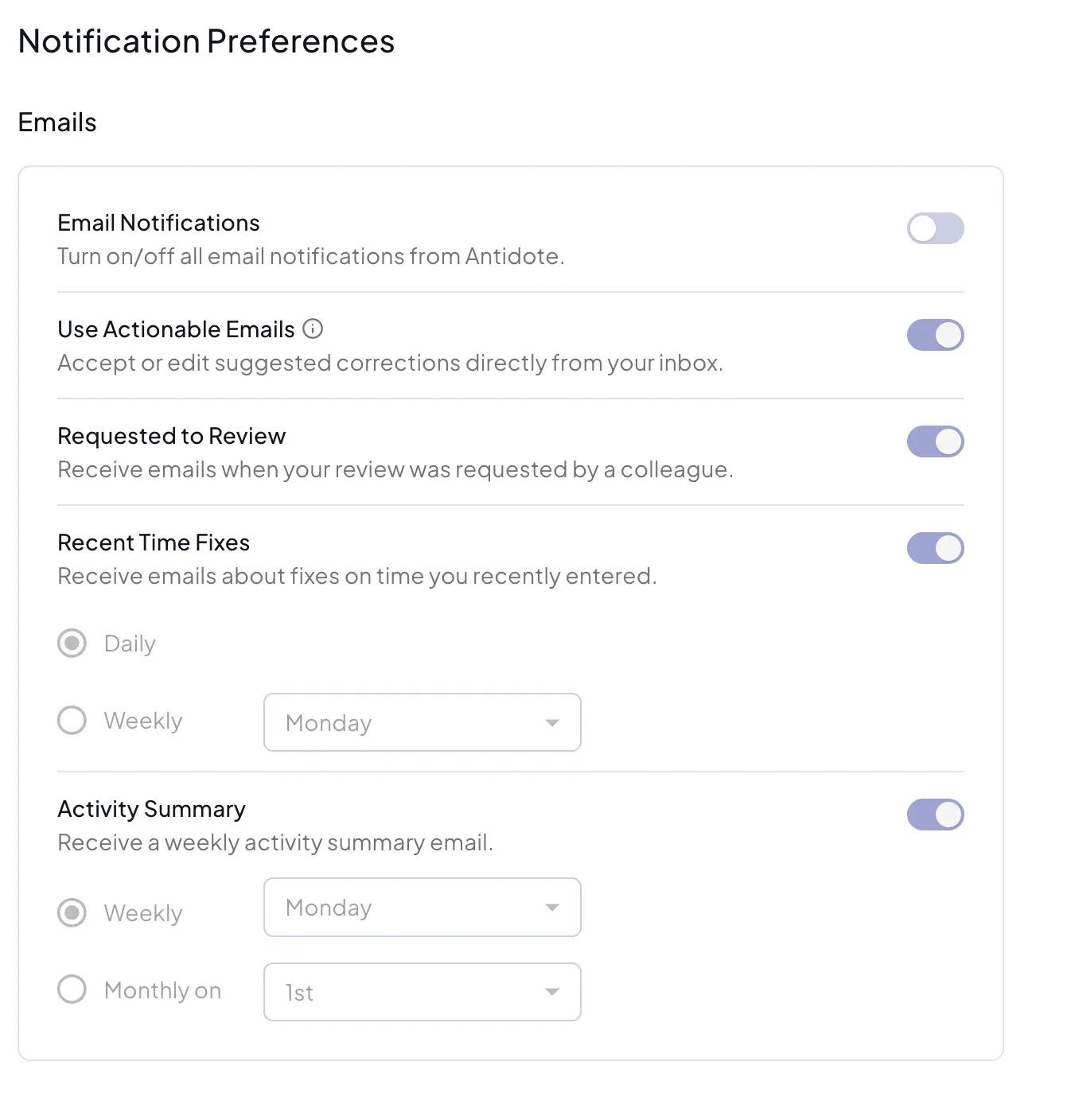
When enabled, you can configure the following notification types:
- Use Actionable Emails - Accept or edit suggested corrections directly from your inbox, without opening Antidote. This applies to Recent Time Fixes and Requested to Review emails - Activity Summary emails are unaffected.
- This option only appears once your organization's Microsoft 365 administrator has completed Actionable Email Setup.
- Requested to Review - Receive emails when your review was requested by a colleague.
- Recent Time Fixes - Receive emails about fixes on time you recently entered.
- Frequency: Daily or Weekly (select day of the week)
- Activity Summary - Receive a weekly activity summary email.
- Frequency: Weekly (select day of the week) or Monthly (select date, 1st-28th or last day of the month)